
Sits by your inverter
It plugs into the inverter's communication port and talks Modbus with it. There's no manufacturer cloud in between.
GridZeno makes the plan. The dongle sits next to your inverter and carries it out locally.
The GridZeno Dongle is a small device (95 × 84 × 30 mm) that goes into the solar inverter's communication port and talks Modbus directly with it, over RS485 or over the network, bypassing the manufacturer's cloud. It measures the system every 5 seconds and carries out GridZeno's plan locally, so the battery is charged and power is sold in the right quarter hours. It connects to the internet over Wi-Fi or a network cable and is powered by a 5 V USB charger. The dongle costs DKK 549 once and works with inverters from Growatt, Deye, SolaX, Sofar Solar, Huawei and Solplanet.
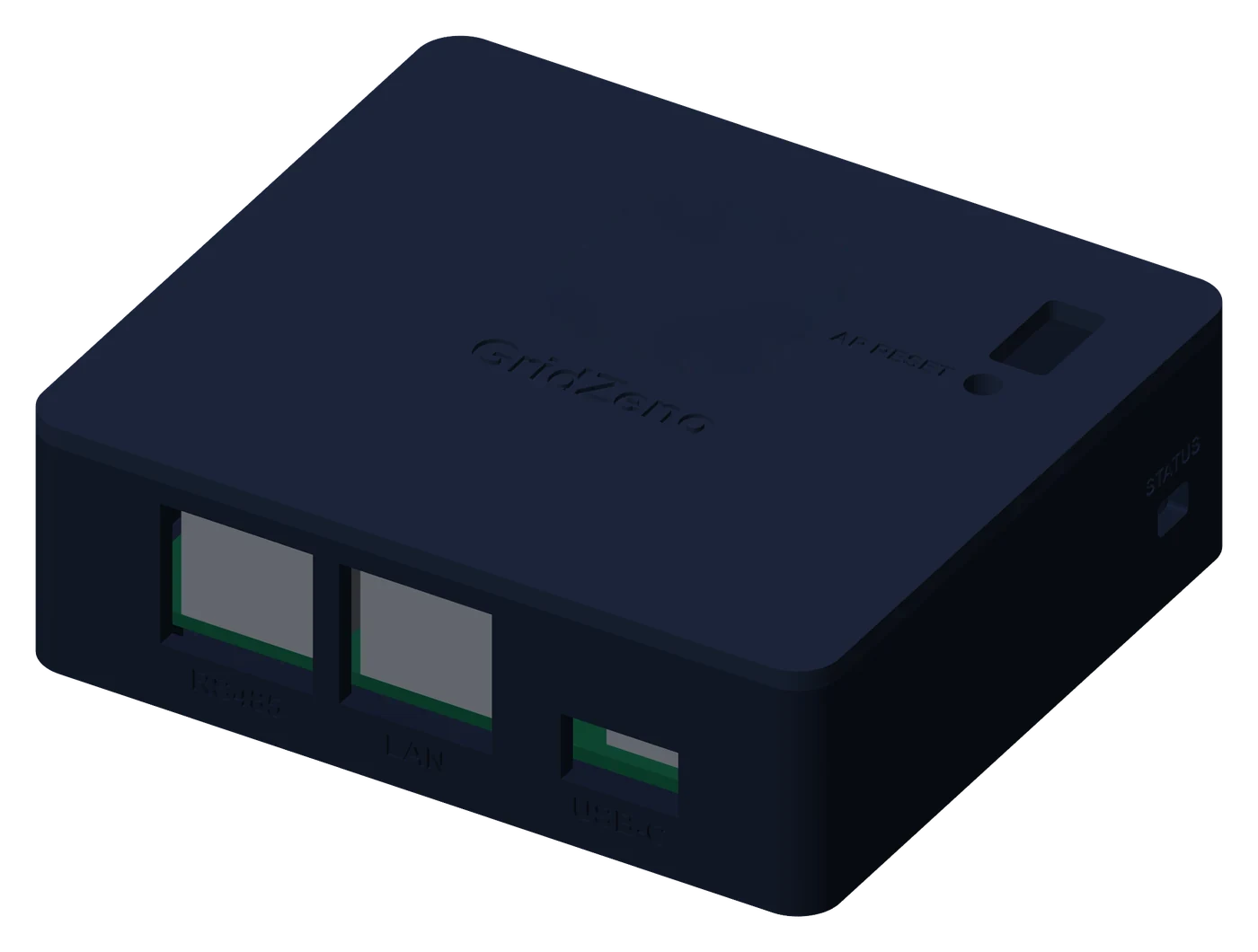
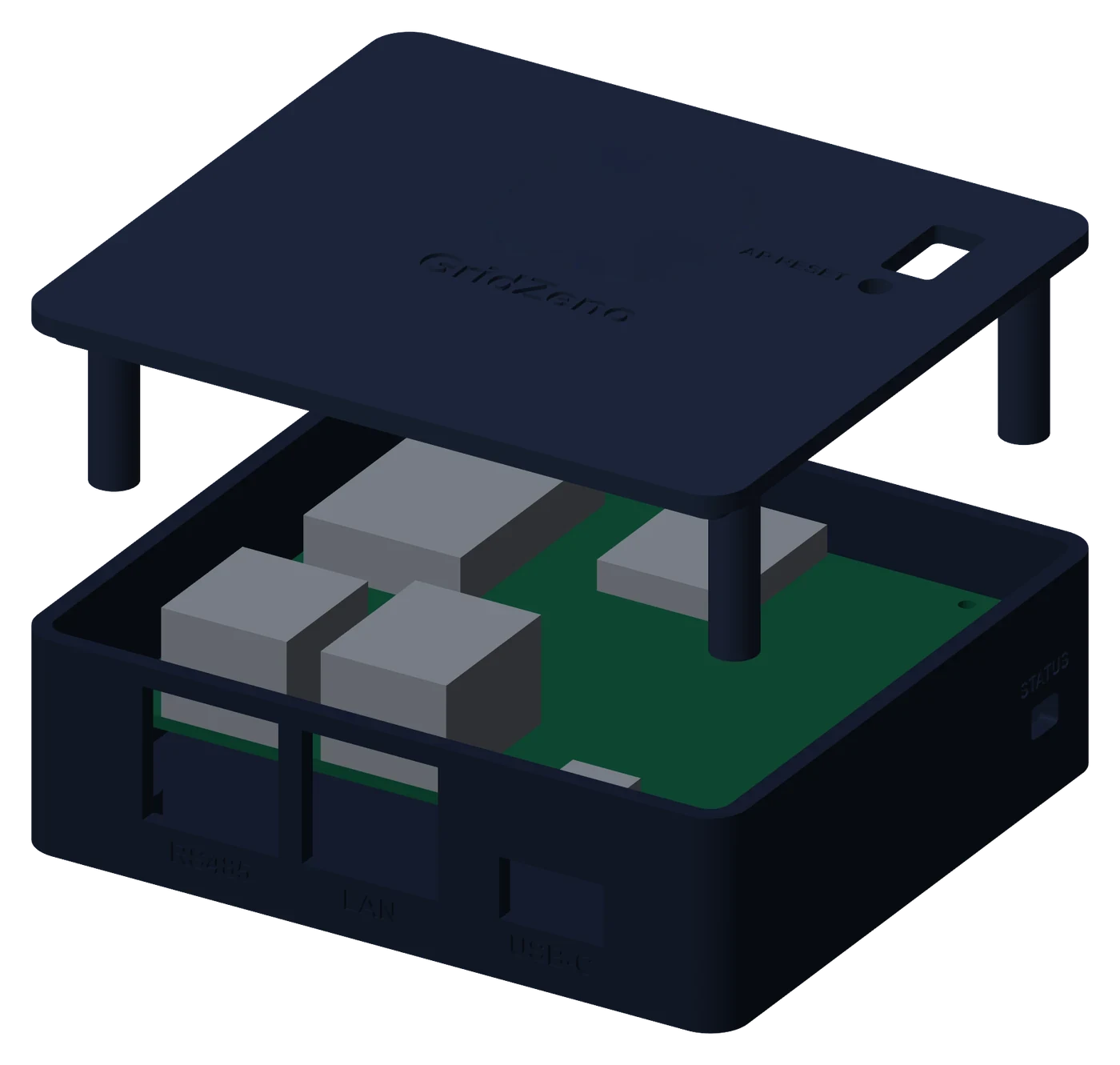
Five steps, from opening the box to the dongle running. The time depends on the model, and some inverters have to be opened by an electrician. Which port and which cable your inverter needs is in the guide for your model.
An animation of the dongle: it's unpacked, plugged into the inverter with a Modbus cable, connected to the router with a network cable and to power with a USB-C charger, and starts up. The steps are listed below the animation.
It plugs into the inverter's communication port and talks Modbus with it. There's no manufacturer cloud in between.
Production, consumption, battery and grid are read from the inverter and sent to your app every 15 seconds.
The dongle fetches the plan and carries it out itself. If the internet drops out, it follows the plan or lets the inverter run on its own, as you have chosen under Automatic.
Plans and firmware updates are cryptographically signed. Everything else is rejected before it reaches your inverter.
You link the dongle to your account from the app or the browser, where you're already logged in. Your password never goes into the dongle.
The battery's capacity and the inverter's power are read directly from the inverter. You don't have to look them up in a manual.
Yes. The GridZeno dongle uses another port than the manufacturer's own Wi-Fi dongle or datalogger, or talks through it, so the manufacturer's dongle and app can stay and keep working on all six brands. Here is the port GridZeno uses, brand by brand.
| Brand | The port GridZeno uses | The manufacturer's dongle and app | Model pages |
|---|---|---|---|
| Growatt | RS485 in the inverter's communication connector (e.g. COM, 485-1 or RS485-IN), not the USB port. | Yes. Growatt's own datalogger (ShineWiFi) sits in the USB port, and Growatt's app keeps working. | Growatt SPH, Growatt WIT, Growatt MOD |
| Deye | The Modbus/RS485 port on the hybrids. On models without one: the Solarman logger over your network. | Yes. The Solarman logger stays, and the Solarman or Deye Cloud app keeps working alongside GridZeno. | Deye Hybrid, Deye via Solarman |
| SolaX | RS485 in the COM port, on a few models the network port. | Yes. SolaX' Pocket WiFi and the SolaXCloud app work alongside GridZeno. | SolaX Hybrid G4, SolaX X1-Mini |
| Sofar Solar | RS485 in the COM connector. | Yes. Sofar's own datalogger or Wi-Fi module has a port of its own (USB or WIFI), and the app keeps working. | Sofar Solar Hybrid, Sofar Solar KTLX |
| Huawei | Huawei's Smart Dongle over your network (Modbus TCP). SUN2000-KTL: RS485 IN. | Yes, and the Smart Dongle has to stay: GridZeno talks through it. The FusionSolar app keeps working. | Huawei SUN2000, Huawei SUN2000-KTL |
| Solplanet | The Ai-Logger over your network (Modbus TCP), or RS485 in the Monitor or COM port. | Yes. The Ai-Dongle or Wi-Fi plug has a port of its own and is only for Solplanet's app, which keeps working. | Solplanet Hybrid, Solplanet Hybrid (RS485) |
The dongle is shipped without a power supply and cables. Most people already have them lying around, and we don't want to send out anything that ends up as waste. If you're missing something, you add it to the same order, at no extra shipping cost.
Setty USB charger 2.4 A (12 W) with 1 × USB-A, and a 1 m cable from USB-A to USB-C. Black.
DKK 79White. For a wired network, if you prefer it to Wi-Fi.
DKK 39Green and shielded. Connects the dongle to the inverter's communication port. Fits every model on the list that is connected by cable, and we adapt it to your model before shipping. Models connected over the network do not need it.
DKK 39A power supply and cables aren't included. See the accessories, if you're missing something. Which cable and tools your inverter needs, and whether an electrician has to open it, is in the guide for your model.
Check whether your inverter fits, and let the plan charge the battery and sell power in the right quarter hours.